Accepted payment types #
We accept the following payment methods:
- Credit/debit card
- PayPal
- BPAY
Credit Card #
Network Dynamics accepts the following credit card types:
- Visa credit/debit
- Mastercard credit/debit
- AMEX
Please see the guides below for more information about paying with a credit card.
- How to add/update credit card details in your Network Dynamics Client Area
- How to make a one-time credit card payment without logging in
PayPal #
A PayPal Payment Agreement allows PayPal to automatically pay future invoices for an ongoing service. This means you don’t need to manually approve each payment. All payment details are stored securely by PayPal, and the agreement can be viewed or cancelled at any time in your PayPal account.
Please see our guide here, for more information about using PayPal.
BPAY #
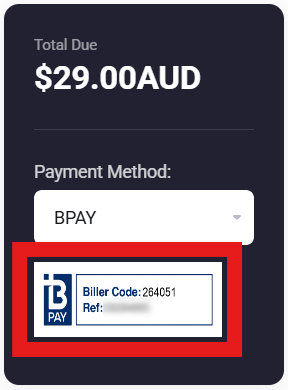
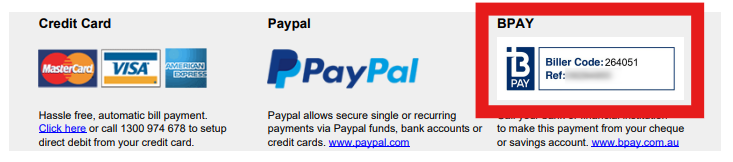
BPAY is a form of EFT (electronic bank transfer) that allows you or your accounts team to make a payment directly from your bank, just like an EFT, using our Biller Code and your invoice’s unique reference number. No credit card is required!
- Biller Code: 264051
- Reference Number: Found on each invoice
An important note #
Please note that we do not accept cheque payments or provide direct BSB and account details for manual EFT transfers due to longer processing times and potential delays in service activation. To ensure a faster and more secure transaction, we recommend using one of the accepted payment methods listed above.