How to log in to Enterprise hosting
Logging in to Enterprise Hosting allows you to manage your server and websites efficiently. Follow these steps to access your Enterprise Hosting dashboard and get started.
To log in to Enterprise hosting
1. First, gather your Enterprise login details and login URL/server hostname.
- If you're not sure what your login details are, please see this guide:
- Where to find login credentials for dedicated servers
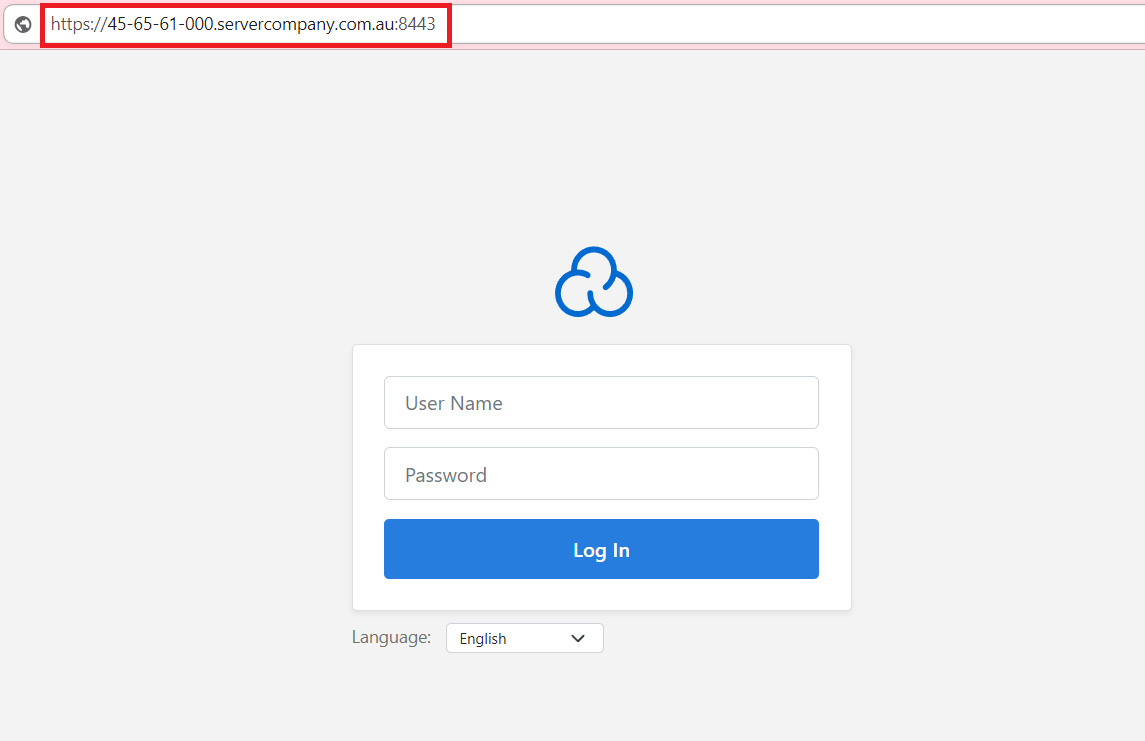
2. Once you have located your server credentials and login URL, you can start logging into your Enterprise server.
(example URL: https://45-65-61-000.servercompany.com.au:8443)
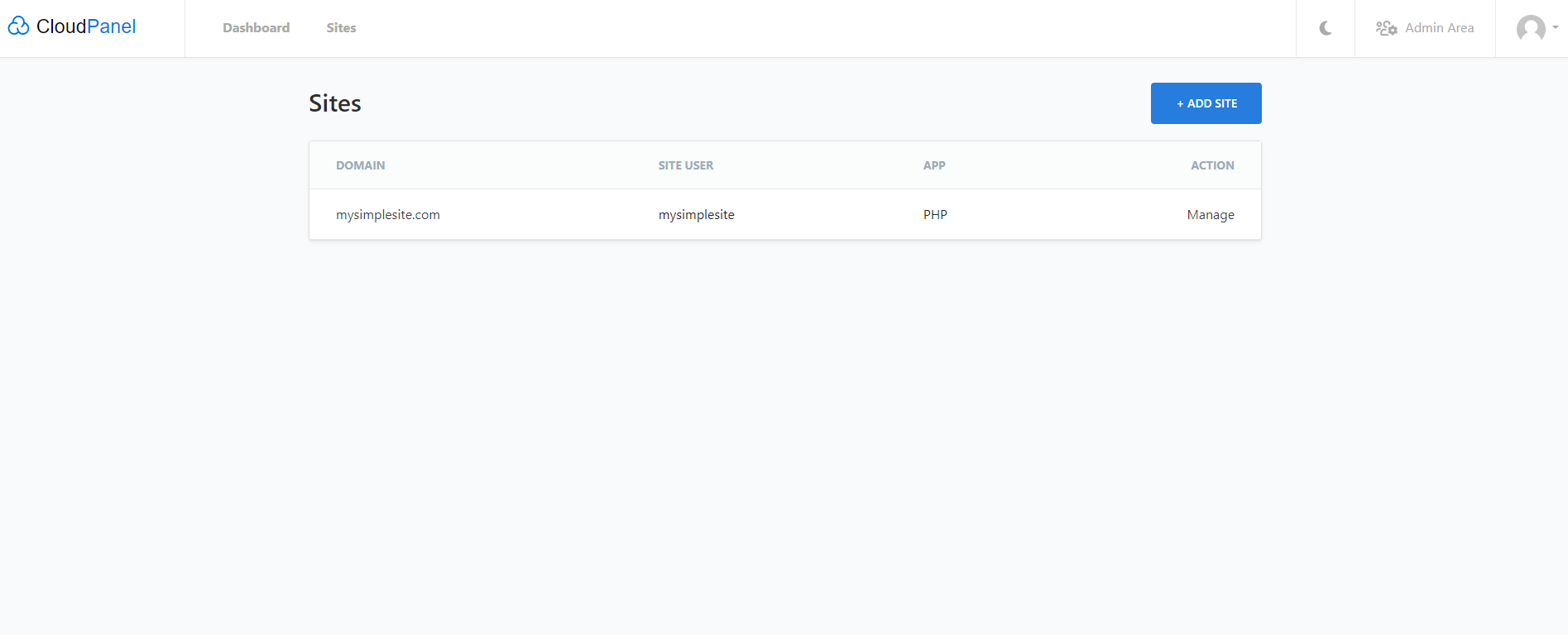
3. Once you are logged in, you will see your Enterprise server sites list and your dashboard.
With Network Dynamics, managing your Enterprise Hosting is seamless and efficient. Once logged in, you can access your server dashboard and manage your sites with ease. If you need any assistance, our support team is always available. Feel free to reach out for any questions or technical support.