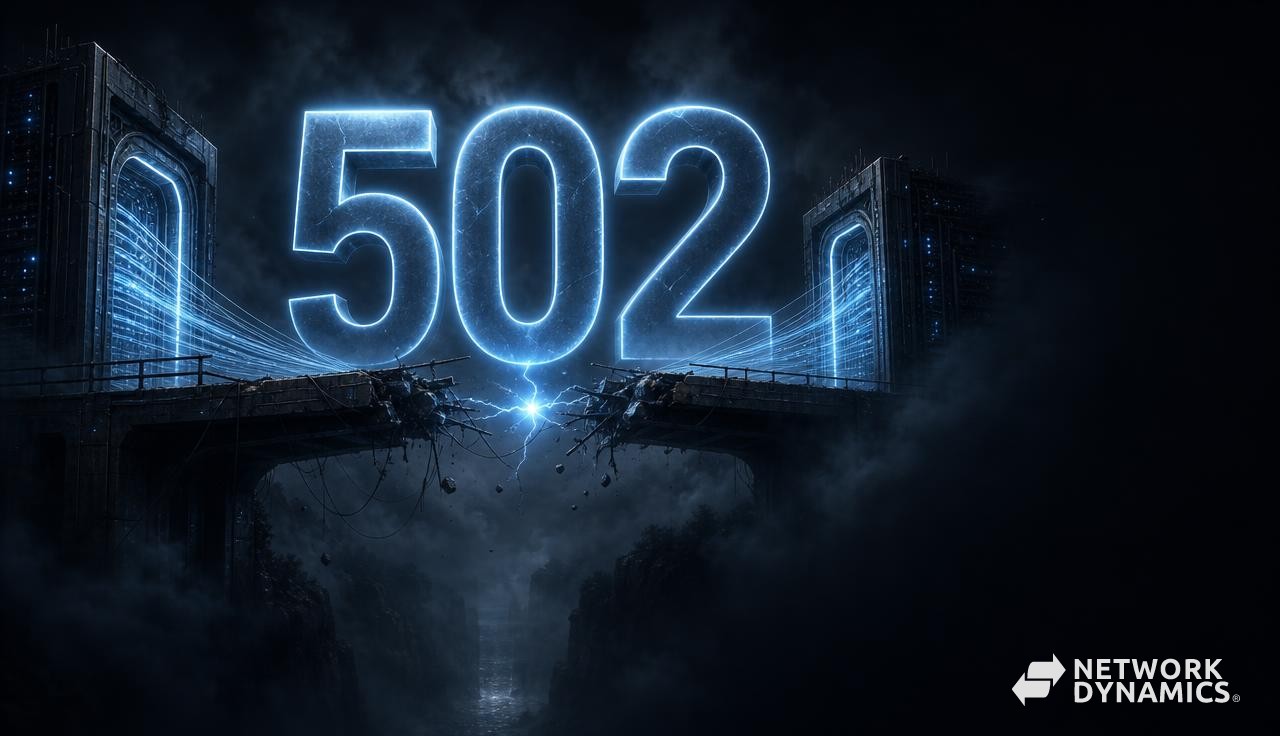
A 502 Bad Gateway error means one part of a website tried to talk to another part and received an invalid response.
Think of a receptionist calling the right department but receiving a broken or unusable reply. The receptionist is available, but the service behind them is not responding properly.
This article is part of our Common Web Server Errors Explained series.
The short version
A 502 is usually not caused by your browser. If you run the website, check which service sits behind the visible web server and whether it is running correctly.
On WordPress hosting, the failed service is often PHP. On other platforms it might be a Node.js application, another server or the website's origin behind a CDN.
What does "Bad Gateway" mean?
A gateway or proxy is a middle service that accepts a request and passes it somewhere else. NGINX may receive public web traffic and pass WordPress work to PHP-FPM, the service that runs PHP code. A CDN may receive the visitor's request and contact the main website server, known as the origin. A load balancer may spread traffic across several application servers.
A 502 response appears when that middle service cannot obtain a valid response from the service behind it, known technically as the upstream service. The upstream may refuse the connection, stop unexpectedly, return broken response information or use a communication method the gateway does not expect.
The phrase "bad gateway" does not necessarily mean the gateway itself is faulty. It may be reporting a failure elsewhere.
502 vs 503 vs 504
These errors are related but describe different conditions.
A 502 means the gateway received an invalid response or could not establish a usable exchange with the upstream.
A 503 Service Unavailable means a service cannot handle the request at that moment, often because of maintenance or exhausted capacity.
A 504 Gateway Timeout means the gateway waited for the upstream but did not receive a response before the timeout.
In practice, platforms sometimes map failures differently, so logs and response headers remain more reliable than the browser message alone.
Common causes of a 502 error
An application service that has stopped or restarted is a common cause. NGINX may be healthy, but PHP-FPM, Node.js or the backend container may not be listening.
Process and connection limits can produce intermittent 502 responses under load. If all PHP workers are occupied or an application repeatedly crashes, some requests succeed while others receive invalid or closed connections.
Configuration mismatches are another source. The gateway may connect to the wrong network port, internal connection or hostname. It may expect HTTPS from a service using HTTP, or lose access to an internal connection after a permission change.
Deployments can briefly create 502 errors when the old application stops before the new one is ready. Health checks and graceful reloads are designed to prevent this, but poor sequencing leaves the proxy with nowhere valid to send traffic.
CDNs return 502 when they cannot establish a valid exchange with the origin. DNS may point to the wrong server, an origin firewall may block CDN addresses or the TLS configuration between CDN and origin may fail.
Malformed application responses, damaged headers and low-level network failures are less common but possible. The gateway log will often describe the specific condition.
How to diagnose a 502 Bad Gateway error
First identify which layer generated the response. A CDN-branded error page means the request reached the CDN, but it does not prove the CDN caused the failure. Response headers and request IDs can help trace it.
Check whether the issue affects every request, one URL or one application node. Intermittent failures may indicate a crashing worker, unhealthy node or capacity problem. A site-wide constant failure suggests the upstream service is unavailable or incorrectly configured.
Record timestamps and request IDs, then inspect the gateway error log and upstream service log together. Messages such as "connection refused", "upstream prematurely closed connection" and "no live upstreams" point to different causes.
Confirm that the backend service is running, listening at the expected address and passing its own health check. Test it from the gateway host or network rather than only from a laptop, because firewall and routing behaviour may differ.
Review deployments, service restarts, certificate changes, DNS changes and resource graphs around the first failure. Avoid restarting everything before collecting evidence; a restart may restore service while erasing the conditions needed to understand why it failed.
How to fix a 502 error
Restore the upstream service first. If PHP-FPM or an application server has stopped, determine why it stopped, correct that problem and start it through the platform's normal service controls.
If workers are exhausted, investigate slow requests and concurrency. Increasing workers may provide more capacity, but each worker consumes memory. Oversizing the pool can push the server into memory pressure and create a different failure.
Correct proxy targets, protocols, socket ownership and firewall rules when configuration is responsible. Validate changes before reload and use health checks that test the actual application rather than merely confirming a port is open.
For CDN-origin failures, confirm public DNS, origin reachability, TLS mode and allowed source addresses. Keep the origin certificate valid even when visitors see the CDN certificate.
Improve deployments with readiness checks and graceful transitions. The proxy should not send traffic to a new application until it can serve real requests, and the old version should not stop until traffic has drained.
After recovery, test several application routes and monitor the error rate. A homepage can succeed while dynamic endpoints continue failing.
502 errors in WordPress
WordPress commonly encounters 502 errors between the web server and PHP-FPM. A plugin or theme may trigger a fatal crash, consume excessive memory or hold workers with slow external requests.
WooCommerce sites can expose the problem during checkout, scheduled actions or API synchronisation because those requests are more demanding than cached public pages. The homepage may appear healthy while uncached operations fail.
WordPress plugins that contact external services can contribute indirectly. If PHP waits on a vendor API, workers accumulate and the pool may become unavailable. A CDN then reports 502 even though the underlying cause is application behaviour.
Review PHP-FPM, web server and WordPress logs together. Disabling random plugins may temporarily change the symptom, but the logged request and failure will provide a cleaner lead. Test fixes in staging where possible, particularly when checkout or membership functions are involved.
Is a 502 a hosting issue or an application issue?
The failed communication usually sits in the hosting stack, but the reason for that failure may come from the application.
The hosting provider is responsible for gateway configuration, backend service availability, networking, resource capacity and platform-level health checks. They should be able to identify which upstream failed and what the gateway recorded.
The website owner or developer is responsible when custom code crashes the application, generates invalid responses or overwhelms workers through slow operations.
Both teams may need to act. Hosting can restore and stabilise the service; development may need to correct the workload that caused it to fail. A useful incident review should explain both the immediate recovery and the preventive change.
How to prevent future 502 errors
Monitor gateway error rates, backend health, worker saturation, memory and restart counts. Alert before all workers are exhausted rather than waiting for customers to see errors.
Use readiness and liveness checks appropriate to the application. A process can be running but unable to reach its database or serve requests.
Set resource limits and worker counts deliberately. Profile slow application operations, add sensible timeouts for external services and use queues for work that does not need to finish during a page request.
Deploy with health checks, graceful reloads and rollback plans. Keep CDN origin configuration, certificates and allowlists documented.
For WordPress, maintain plugins and PHP, monitor scheduled tasks and test uncached workflows. Caching can hide backend pressure until an important dynamic request fails.
Frequently asked questions
Is a 502 error caused by my browser?
Usually not. Local DNS or proxy behaviour can occasionally contribute, but a true 502 is generated by a gateway or server. Testing another network helps confirm the scope.
Will refreshing fix a 502?
It may succeed if the failure was a brief restart or one unhealthy node. Repeated or intermittent errors still require investigation.
Can Cloudflare cause a 502?
Cloudflare can return the response, but the cause may be at the origin. Check the Cloudflare error details, origin logs, DNS, firewall and TLS configuration before assigning blame.
Can a WordPress plugin cause 502?
Yes, indirectly. A plugin can crash PHP, exhaust workers or make slow external calls. The gateway then reports that the upstream service did not provide a valid response.
Should I increase proxy timeouts?
Not for a 502 without evidence. Longer timeouts are more relevant to 504 errors and can hide slow application behaviour. Find the specific gateway log message first.
Does a 502 affect SEO?
A short incident is unlikely to cause lasting harm. Persistent errors prevent visitors and search engines from accessing the site, so availability monitoring and prompt recovery matter.
Final thoughts
A 502 Bad Gateway error is best understood as a failed conversation between services. The visible gateway is not always the component that failed; it may simply be the messenger.
Trace the request from the edge to the application, compare the gateway and backend logs, and correct the reason the upstream response became unavailable or invalid.
At Network Dynamics, our engineers can help diagnose the error, explain the cause in plain English and recommend a practical next step. You will not be left wondering whether the problem sits with the proxy, hosting platform, PHP, application or CDN-or who needs to fix it.
Continue with What Is a 503 Service Unavailable Error?, or return to Common Web Server Errors Explained.