Redirect loop when using cloudflare
Cloudflare redirect loop
A Cloudflare redirect loop traps your website in an infinite redirection cycle, blocking users from accessing it. This usually happens due to misconfigured SSL settings
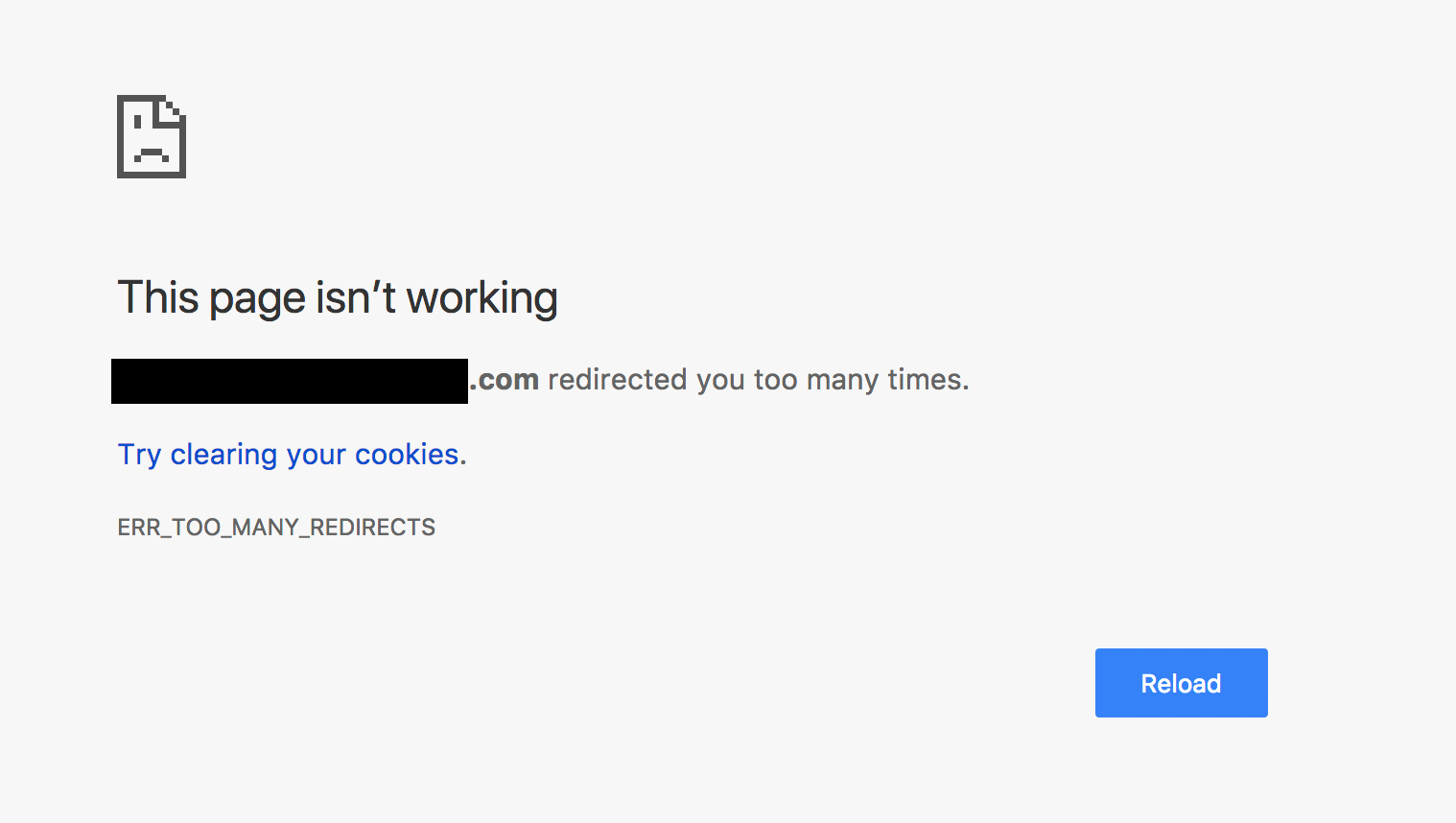
Are you seeing "ERR_TOO_MANY_REDIRECTS" error
When you add a new domain to Cloudflare, your visitors may encounter errors like "ERR_TOO_MANY_REDIRECTS" or "The page isn't redirecting properly".
These errors happen when visitors get stuck in a redirect loop, usually because of misconfigured SSL/TLS encryption settings in Cloudflare.
For more information about this error, please visit Cloudflare's support article here: https://developers.cloudflare.com/ssl/troubleshooting/too-many-redirects/
How to fix 'too many redirect loop'
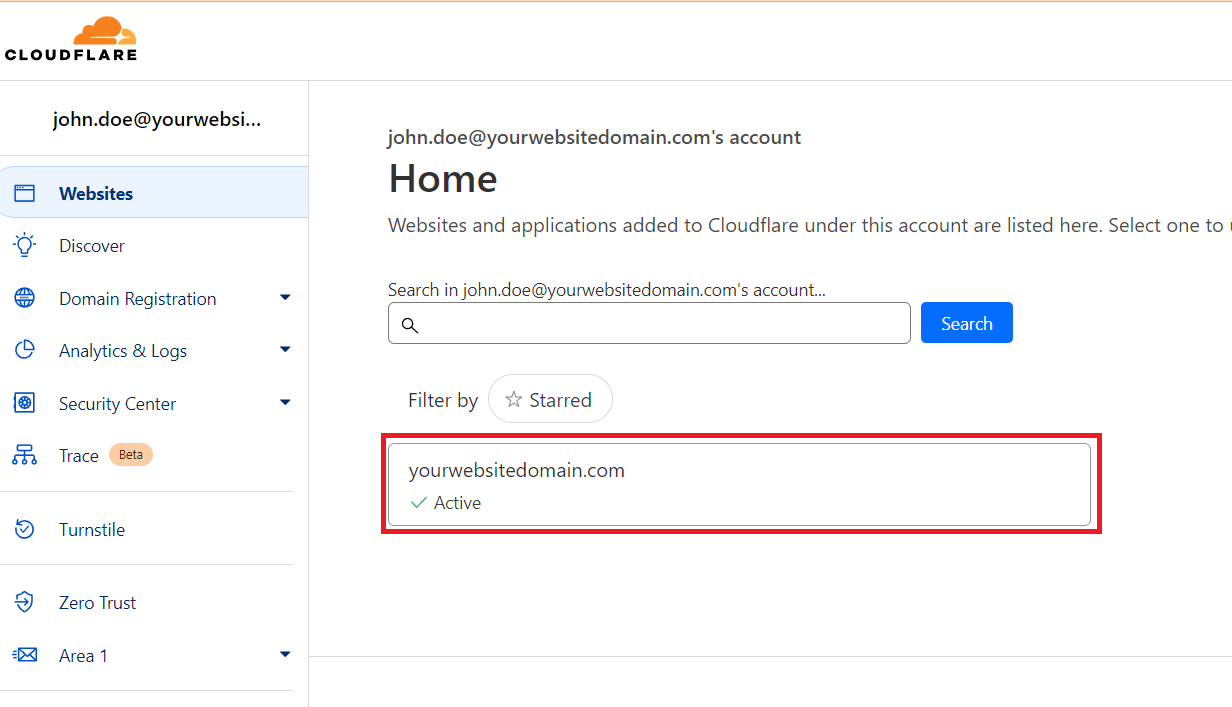
1. Login to your Cloudflare account
2. After logging in, click on your site name.
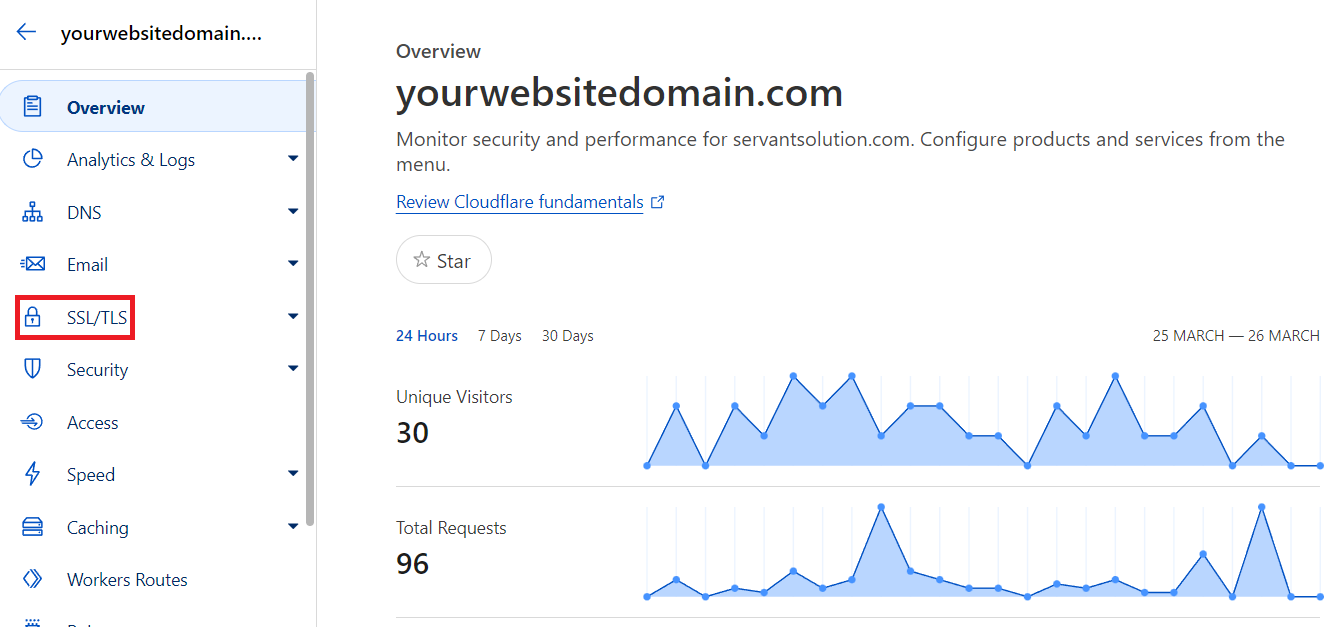
3. Look for the 'SSL/TLS' menu and click it.
4. Then, from the SSL/TLS overview page, look for the SSL/TLS encryption options.
If you have installed the Cloudflare Origin CA on your site or if you have a trusted CA like our Standard SSL, pleaseensure that the 'Full (strict)' option is selected.
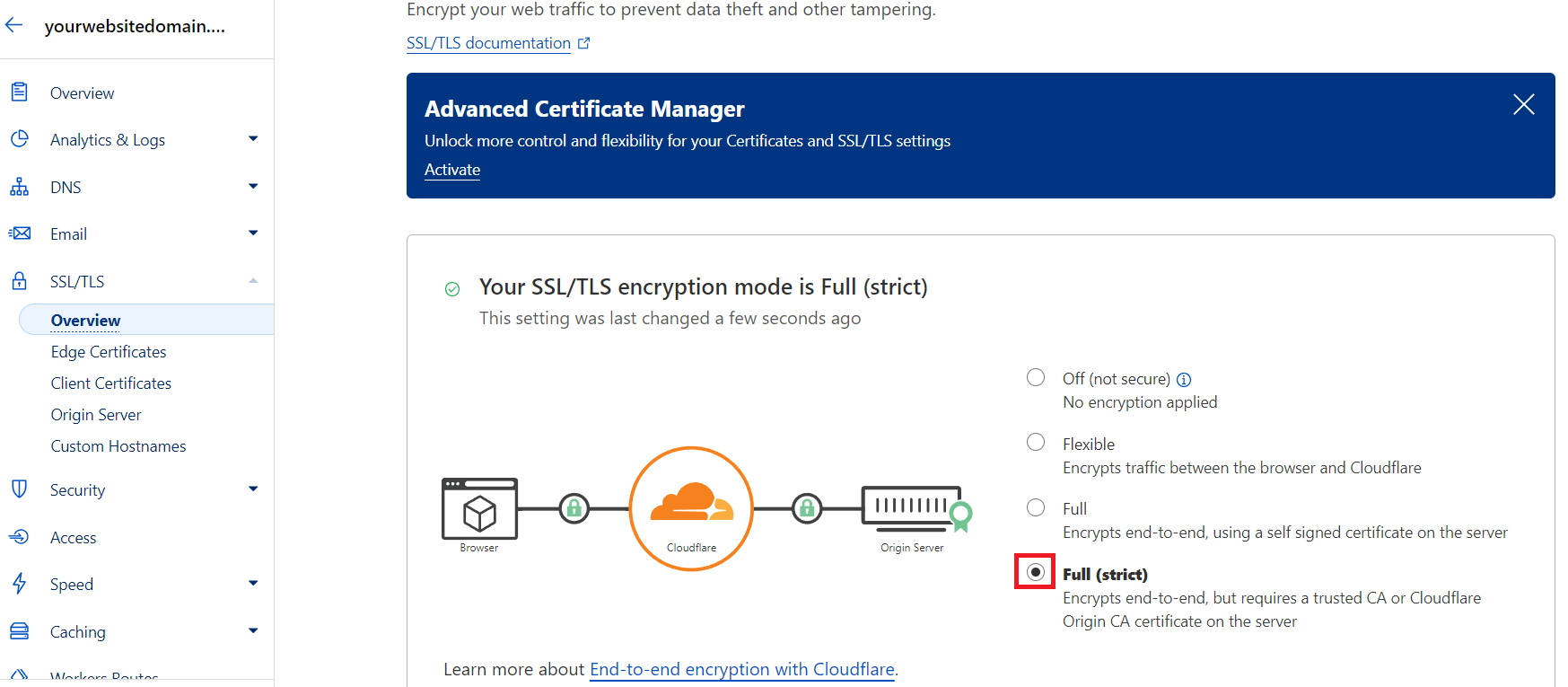
5. Finally, after choosing an option, it will automatically save. Then, this should resolve the 'too many redirects' error.
If this does not resolve the issue please visit Cloudflare's support article here: https://developers.cloudflare.com/ssl/troubleshooting/too-many-redirects/